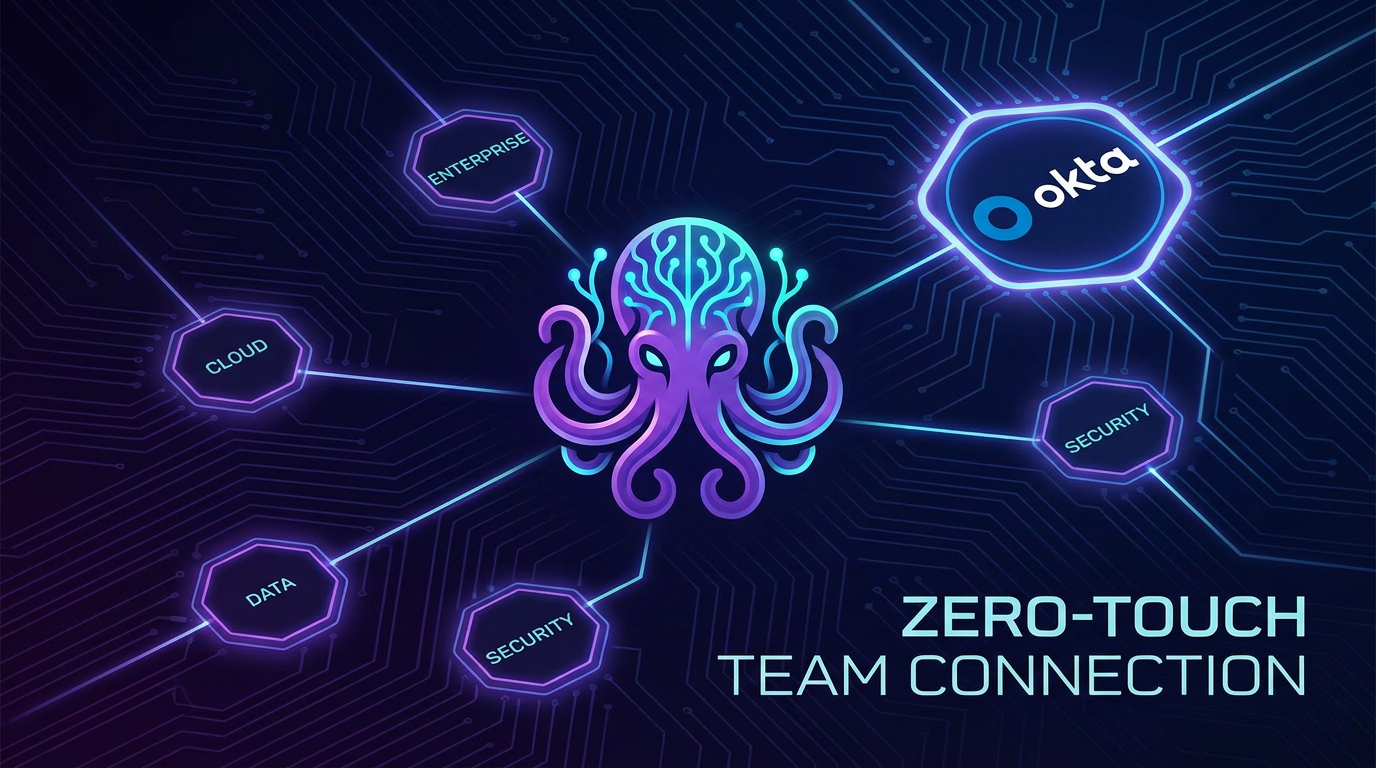
The short version: Anthropic launched enterprise-managed MCP authorisation in beta on 19 June. Admins set up which tools Claude can access at the organisation level via Okta. Employees log in once and get connected to those tools automatically — no individual authorisation steps, no IT tickets, no stalled rollouts. Seven connector providers at launch. This directly addresses the friction that has slowed enterprise AI adoption.
What is enterprise-managed MCP authorisation?
The previous process had two steps: an IT administrator would enable a connector (say, Asana) for the organisation. Then every individual user would still need to go through their own OAuth authorisation flow to actually connect their account. For a 50-person business, this meant 50 separate authorisation steps, 50 potential help desk tickets, and 50 opportunities for the rollout to stall. The new system collapses this to one: admin configures, users connect automatically at first login.
Anthropic calls this zero-touch access. The architecture uses identity providers — Okta is first, with more coming — to provision connector authorisation centrally. When an employee logs into Claude with their work identity, the connections they need are already in place. There is no additional step on their side.
What can it connect to at launch?
Seven connector providers support the new enterprise-managed authorisation standard at launch:
- Asana — project and task management
- Atlassian — Jira and Confluence (documents, tickets)
- Figma — design files and collaboration
- Supabase — database and backend services
- Three additional providers at launch (expanding)
- Slack — coming soon
The standard is open — any MCP-compatible connector provider can adopt it. The initial wave covers the tools most commonly used in professional and small business workflows. When Slack arrives, this becomes immediately relevant to every business running on Slack for internal communication.
Why this matters for UK business owners
Most conversations about enterprise AI focus on what AI can do. The actual barrier to AI adoption at scale is rarely capability — it is friction. Getting a whole team to consistently use AI tools, securely connected to the right data, without creating configuration chaos, is harder than the demos suggest.
Admins can also require that a connector only ever connects through the identity provider — which means a team member cannot accidentally link a personal Asana account to their Claude work account. Work and personal usage stay cleanly separated. This is the governance layer that IT administrators and cautious business owners have been waiting for before committing to enterprise-wide AI deployment.
For UK businesses that have experimented with AI tools individually but hesitated to roll them out to a whole team, the zero-touch model lowers the activation energy significantly. One decision, one configuration, one rollout — rather than 20 or 50 individual decisions that may or may not happen.
What to do with this
If you are on Claude Team or Enterprise: Look for the enterprise MCP connector settings in your admin panel. This is in beta as of 19 June — request access if it is not yet visible.
If your team is not yet on any AI plan: The enterprise-managed rollout model removes the "too complicated to deploy" objection. Ask AIFA how a managed AI rollout looks for a team your size.
If you are evaluating AI tools for a team: Centralised governance and zero-touch access are now differentiators — ask every AI provider how they handle enterprise connector provisioning.